PixMax

PixMax can be checked like any brand: size, material, build and care. Materials can vary within one brand, so check the material of each item rather than assuming.

Showing all 7 results

38 cm Swing Heat Press and Printer Set

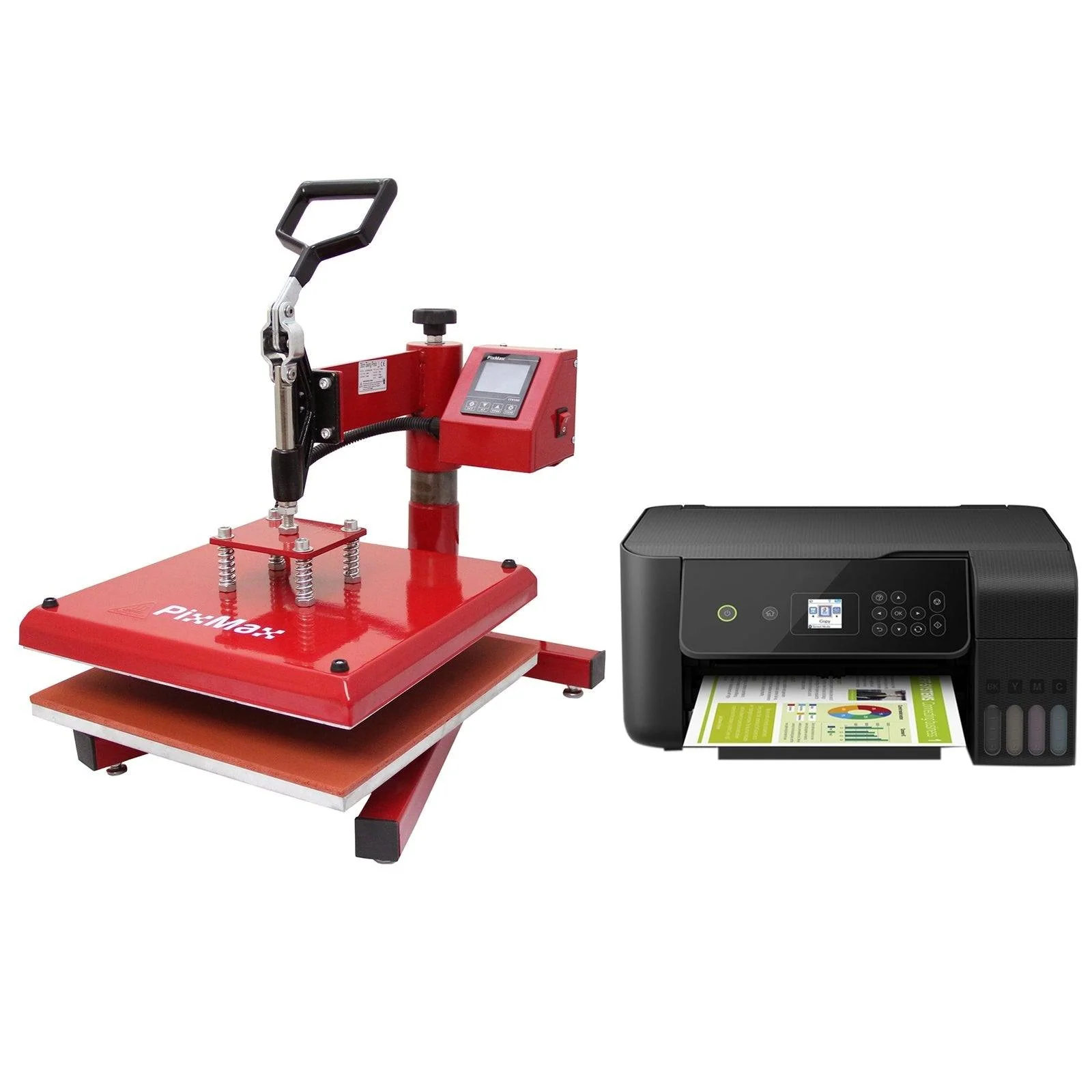
PixMax 38 cm Swing Heat Press and Printer Set

The bundle includes a heat press, sublimation heat tape, sublimation paper and a printer. The heat press has adjustable pressing pressure, even heat distribution, a large LED display and a 9 mm thick silicone pad on the lower platen.
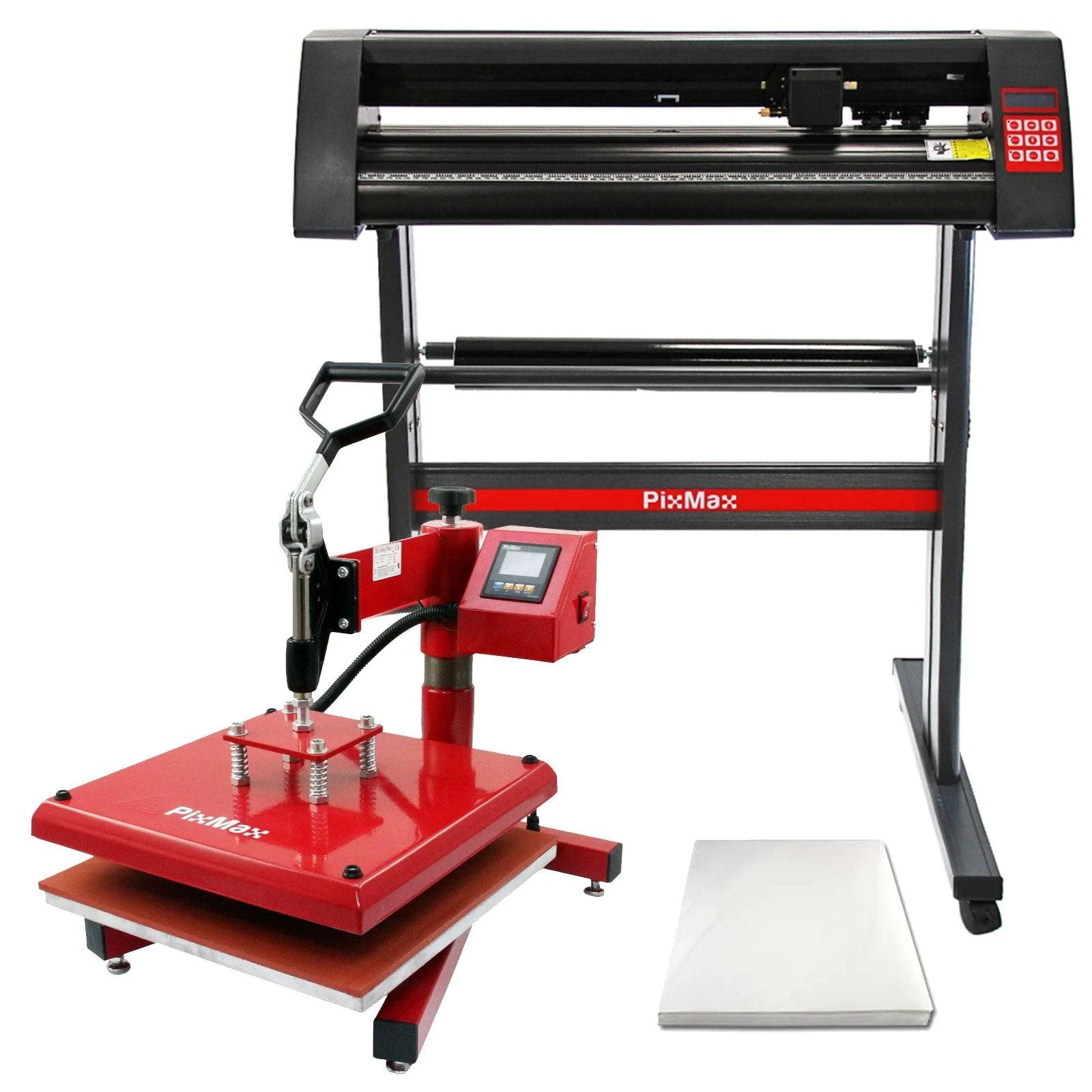
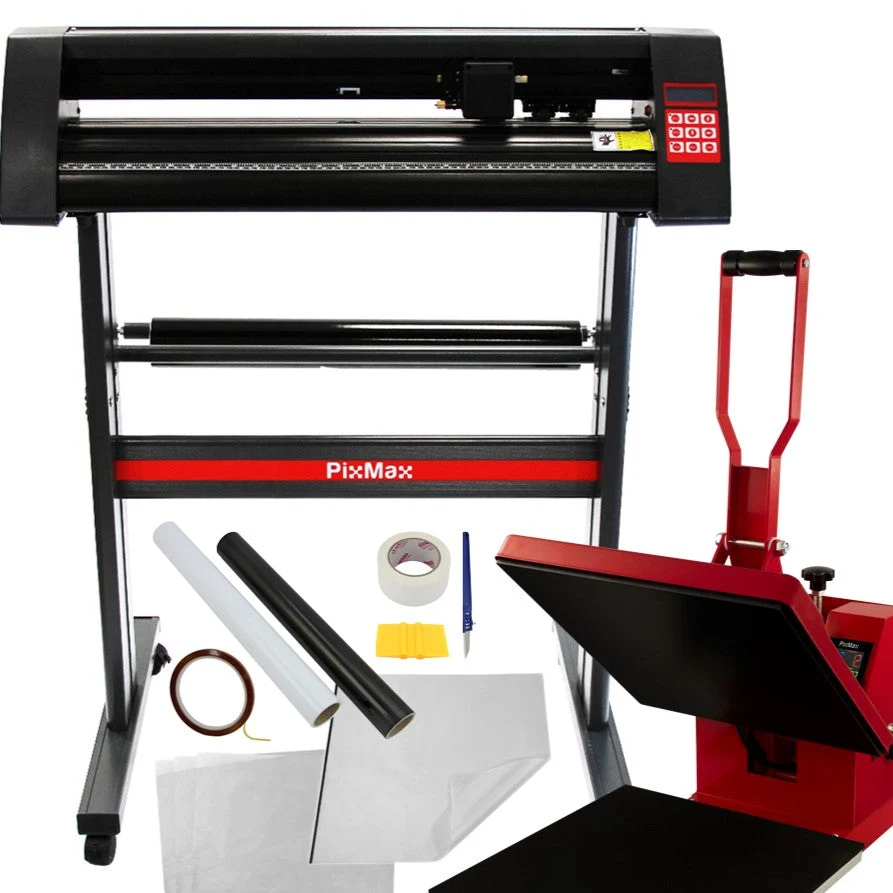
38 cm Swing Heat Press and Vinyl Cutter

PixMax 38 cm Swing Heat Press and Vinyl Cutter

The heat press features adjustable pressing pressure, even heat distribution, a large LED display, and a 9 mm thick silicon pad on the lower platen. The vinyl cutter includes 3 Roland cutting blades, a protective cover, and a built-in optical eye for laser guiding, operating on 90-260 V with dimensions of 108 x 87.9 x 35.1 cm.

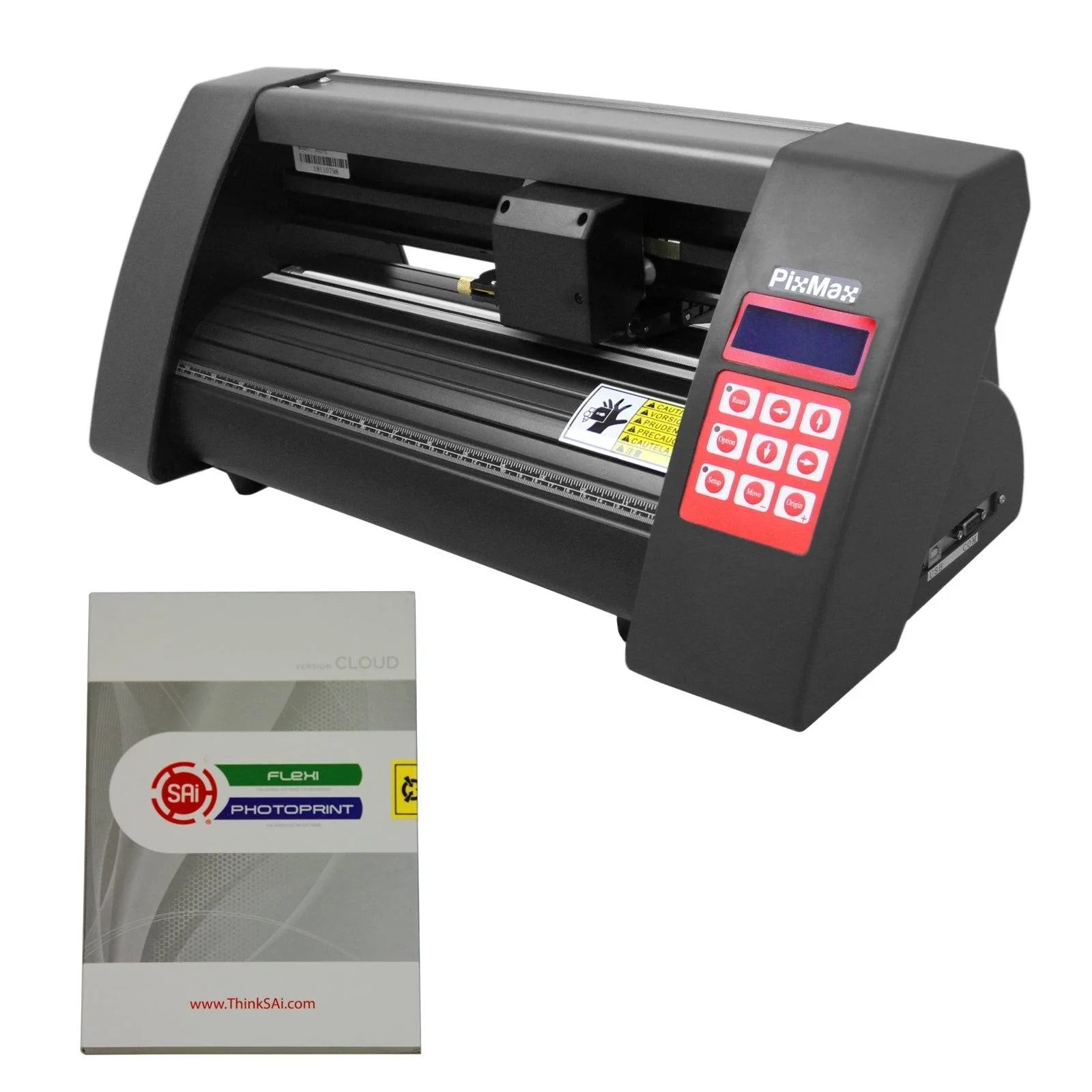
20 in Vinyl Cutter with Flexi Starter Software

PixMax 20 in Vinyl Cutter with Flexi Starter Software

The cutter has an internal length of 365 mm and rollers that guide garment or sign vinyl through the cutter head. It works with Windows and is compatible with SignCut and Flexi cutting software.

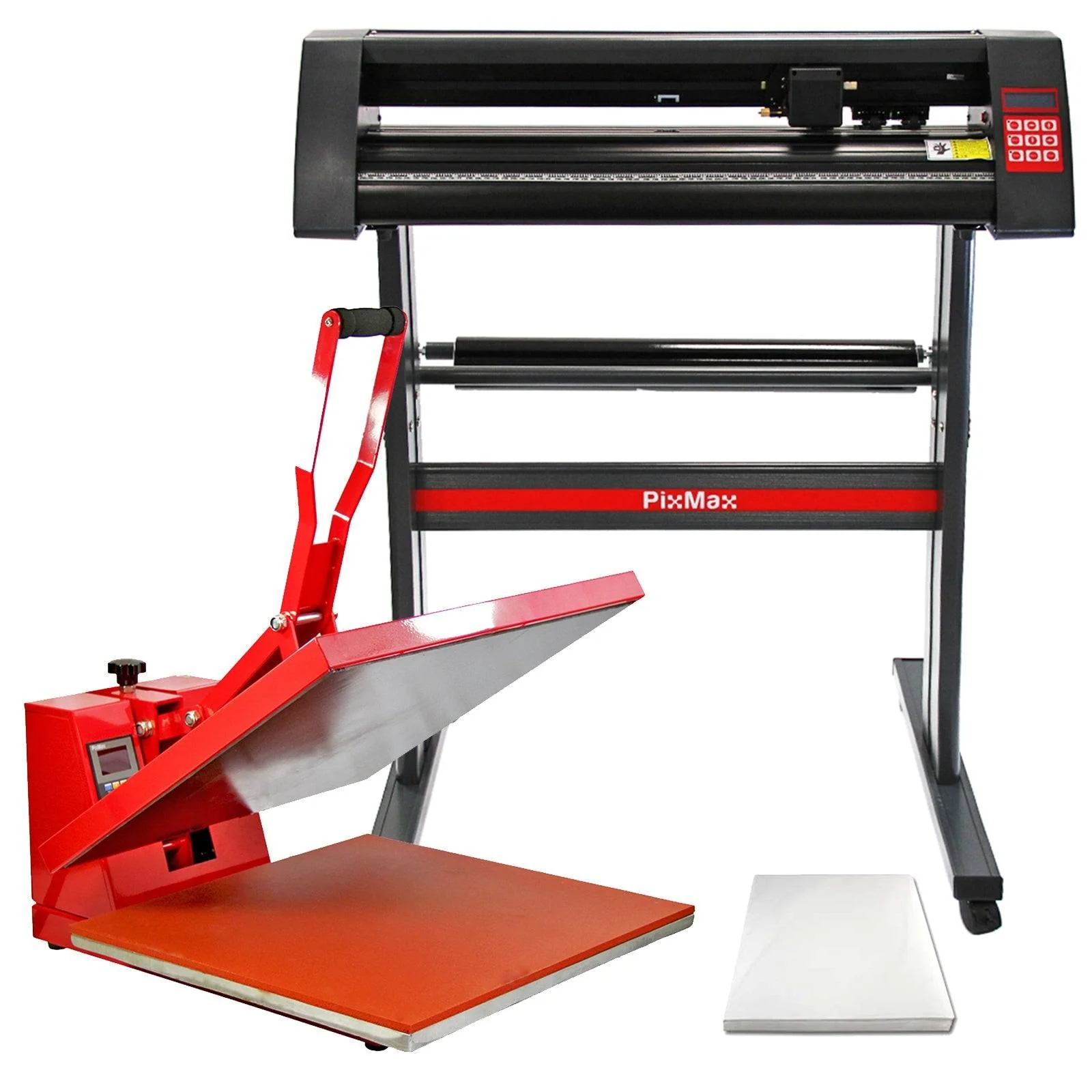
38 cm Clam Heat Press and Vinyl Cutter

PixMax 38 cm Clam Heat Press and Vinyl Cutter

The clam heat press features a powder-coated steel body, a 9 mm silicone pad, and an alarm for pressing times between 0 and 999 seconds. An integrated ruler guide supports precision cutting, and an included biro pen component allows sketching designs.

50 cm Clam Heat Press and Vinyl Cutter

PixMax 50 cm Clam Heat Press and Vinyl Cutter

This set pairs a 50 cm clam heat press with a vinyl cutter and stand. An included Biro pen component attaches to sketch designs before cutting, and the heat press transfers garment vinyl onto apparel, bags, and other materials.

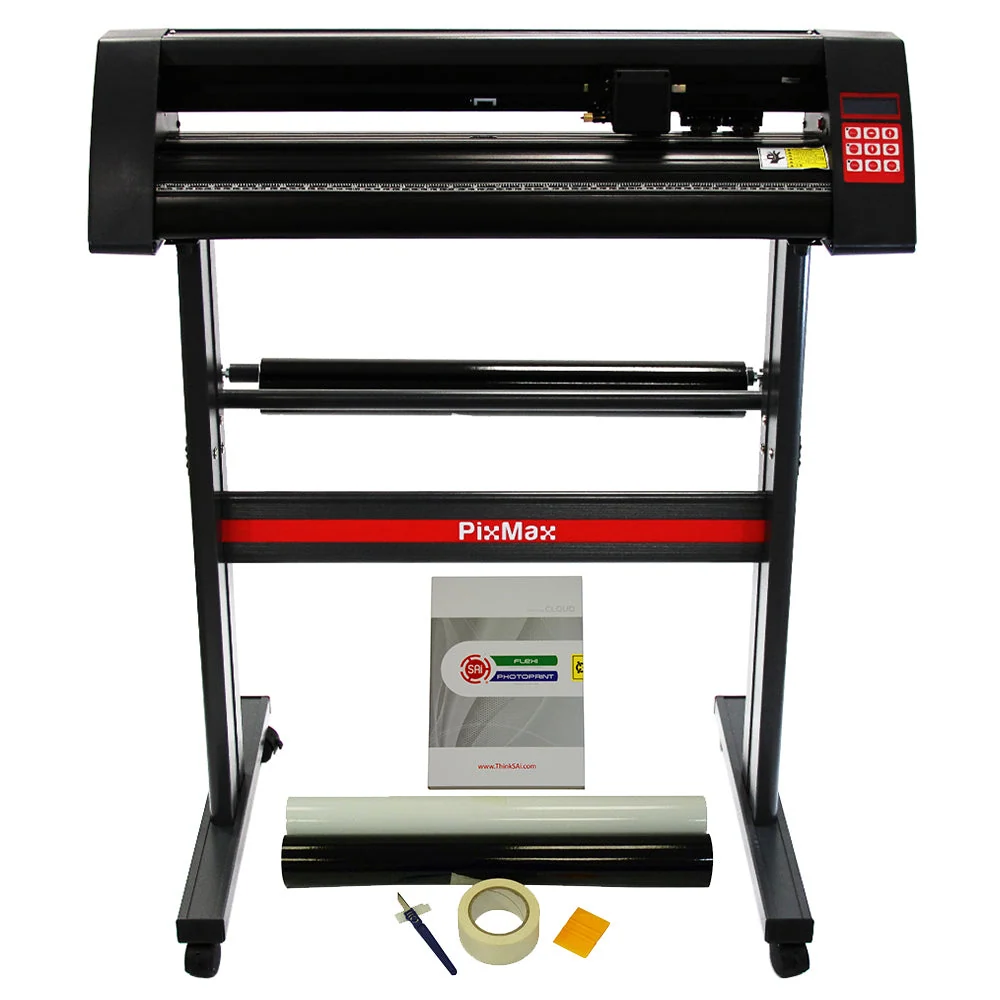
Vinyl Cutter Plotter with Flexi Starter and Weeding Pack

PixMax Vinyl Cutter Plotter with Flexi Starter and Weeding Pack

The cutting blade adjusts to slice through various thicknesses of vinyl to create logos, shapes, and letters on compatible media.

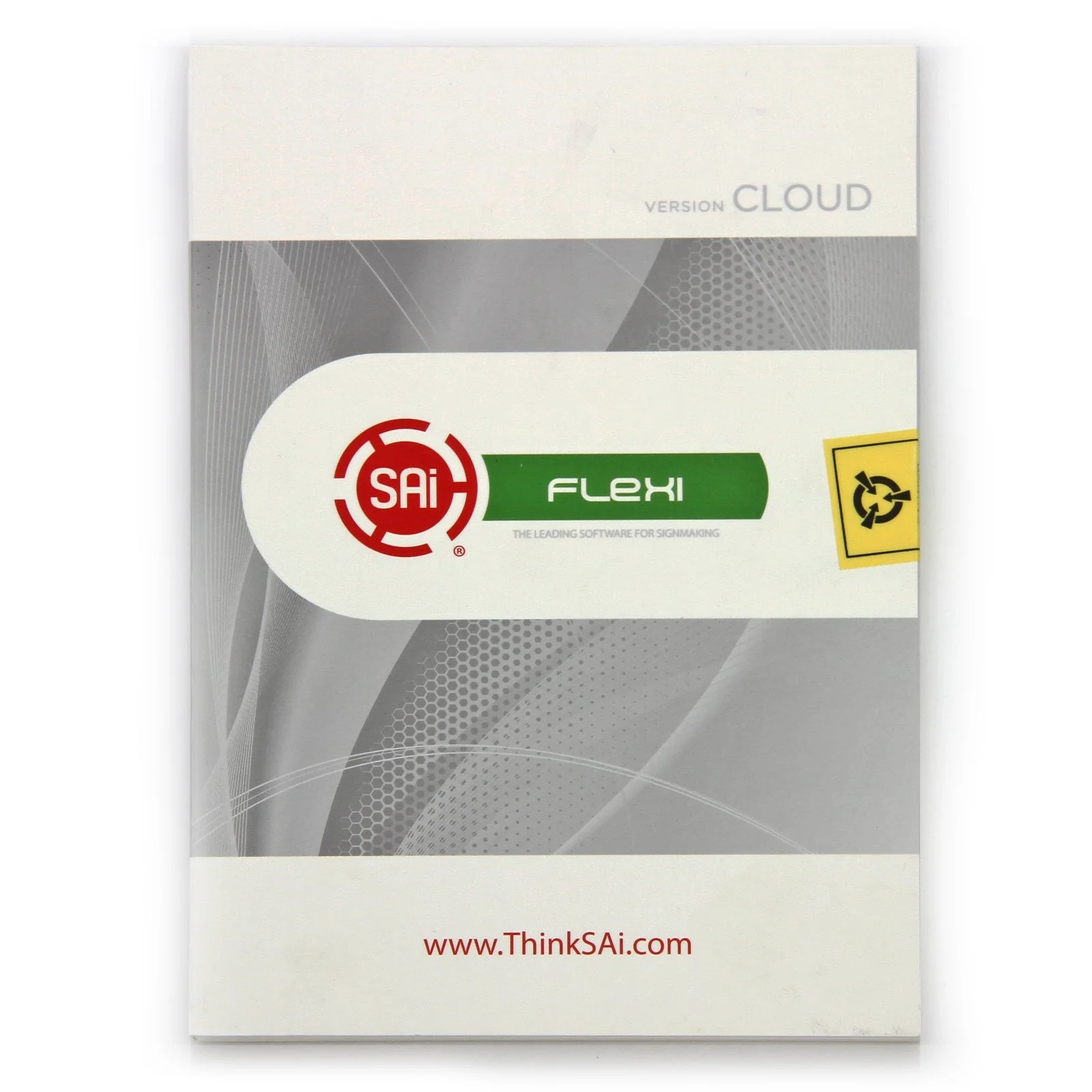
FlexiSTARTER Sign Making Software

PixMax FlexiSTARTER Sign Making Software

This software package for Windows provides tools for production management, design, drawing, and object manipulation. Users can manage multiple output devices, automate tiling, and utilize colour libraries for vinyl cutting and plotting.

How to choose

  • Judge colours by the shade in the description and images, not the colour name.
  • When replacing something, start from the measurements of the old one.
  • Check construction details such as joins, seams, edges or fastenings.

Frequently asked questions

PixMax: how do I get the size right?

Measure what you have, or the space or person the item is for, and compare that with the stated dimensions of each item rather than with the size name.

Does PixMax follow standard sizes?

Sizing is not standardised between brands, so use any size name as a rough guide only and compare the stated measurements of each item with what you need.

PixMax: is every item made the same way?

Not necessarily: construction, materials and finish can differ between items under one brand name, so check the details of each item.

PixMax: which details show careful making?

Whatever the brand, look for neat joins, even finishing and edges or seams that feel smooth; these details say more about an item than the name on it.